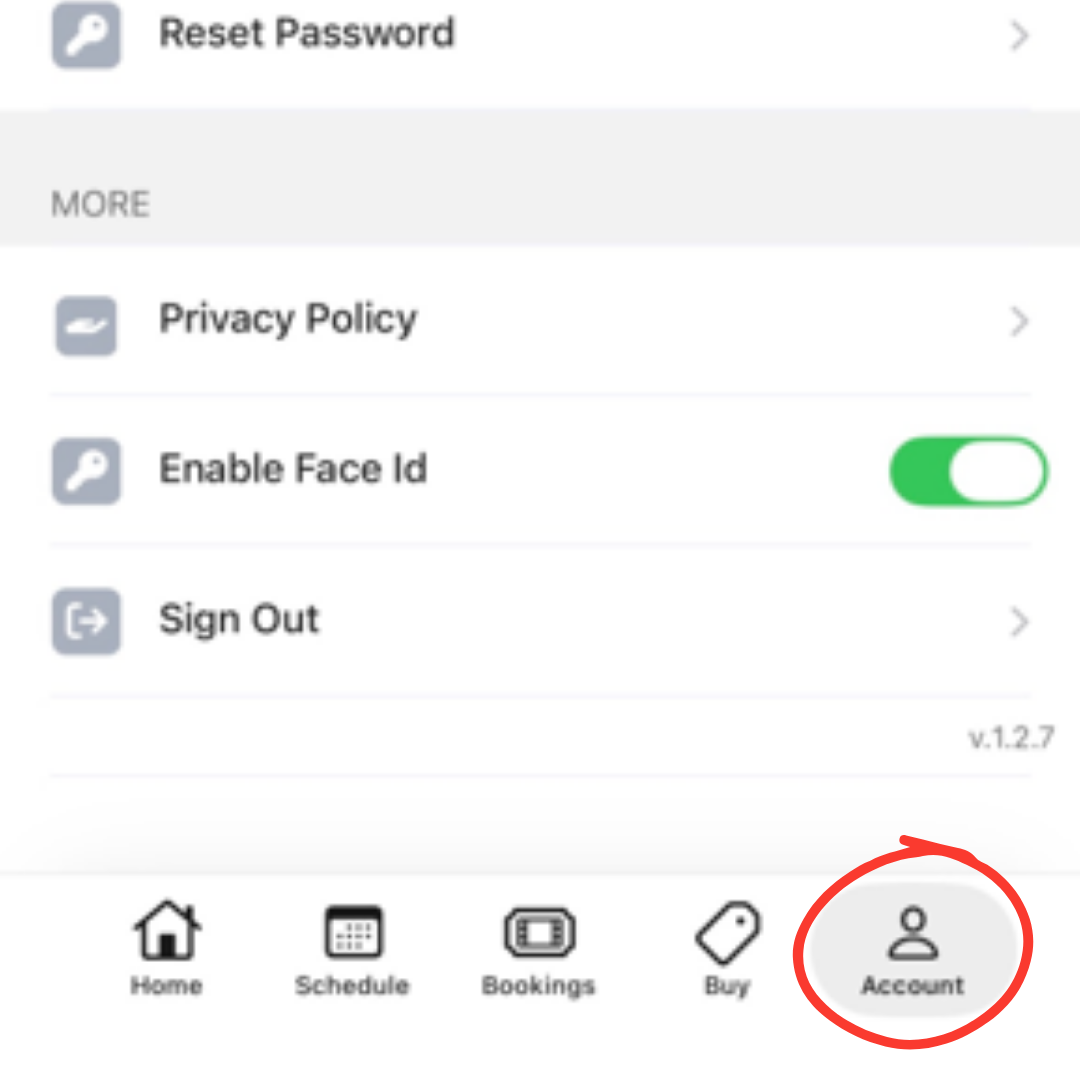
Open the Sol Seek Yoga (or Walla) app and tap Account in the bottom-right corner.
Step 2: Open Your Wallet
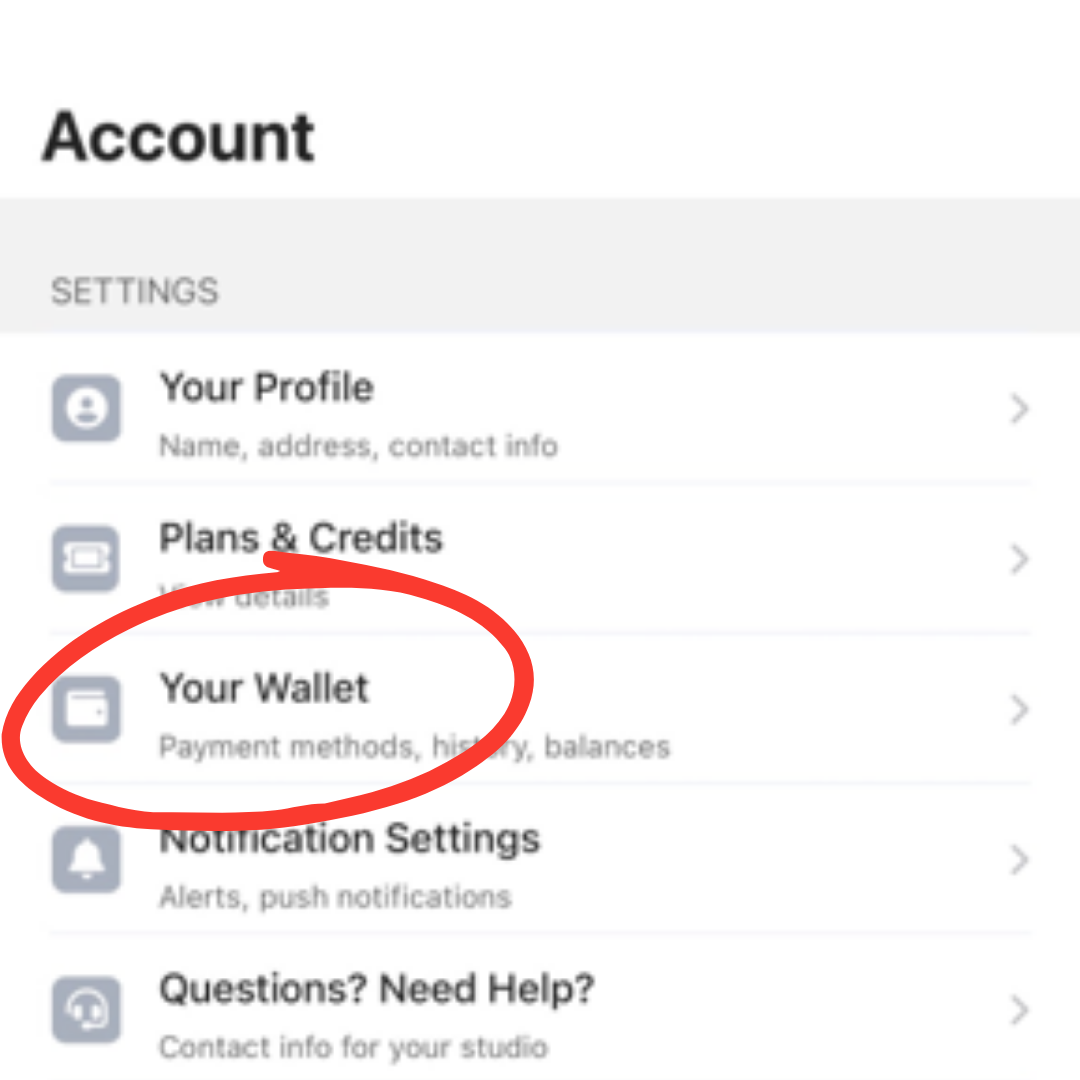
Tap Your Wallet.
Step 3:Open Payment Methods
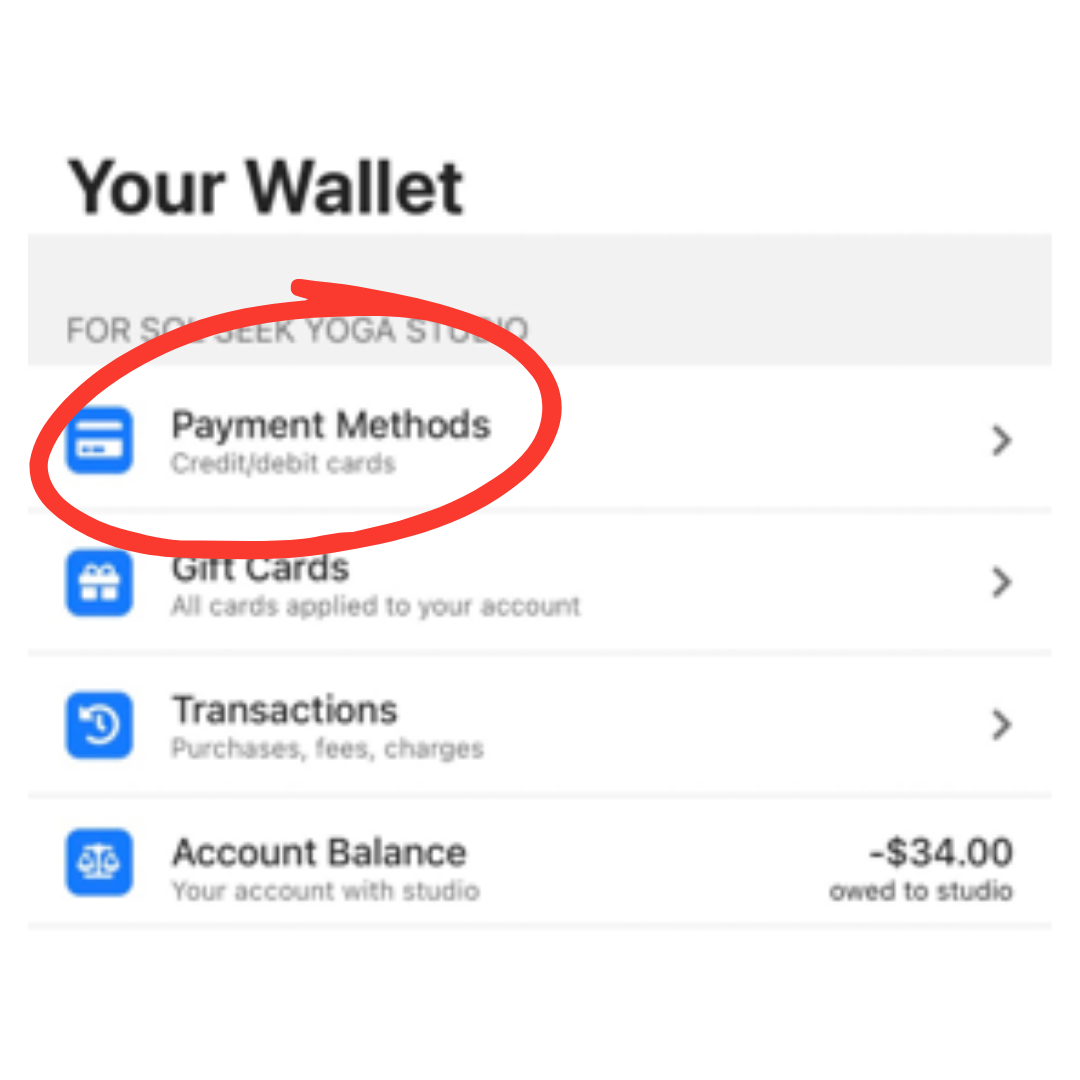
Select Payment Methods.
Step 4: Add Your Bank Account
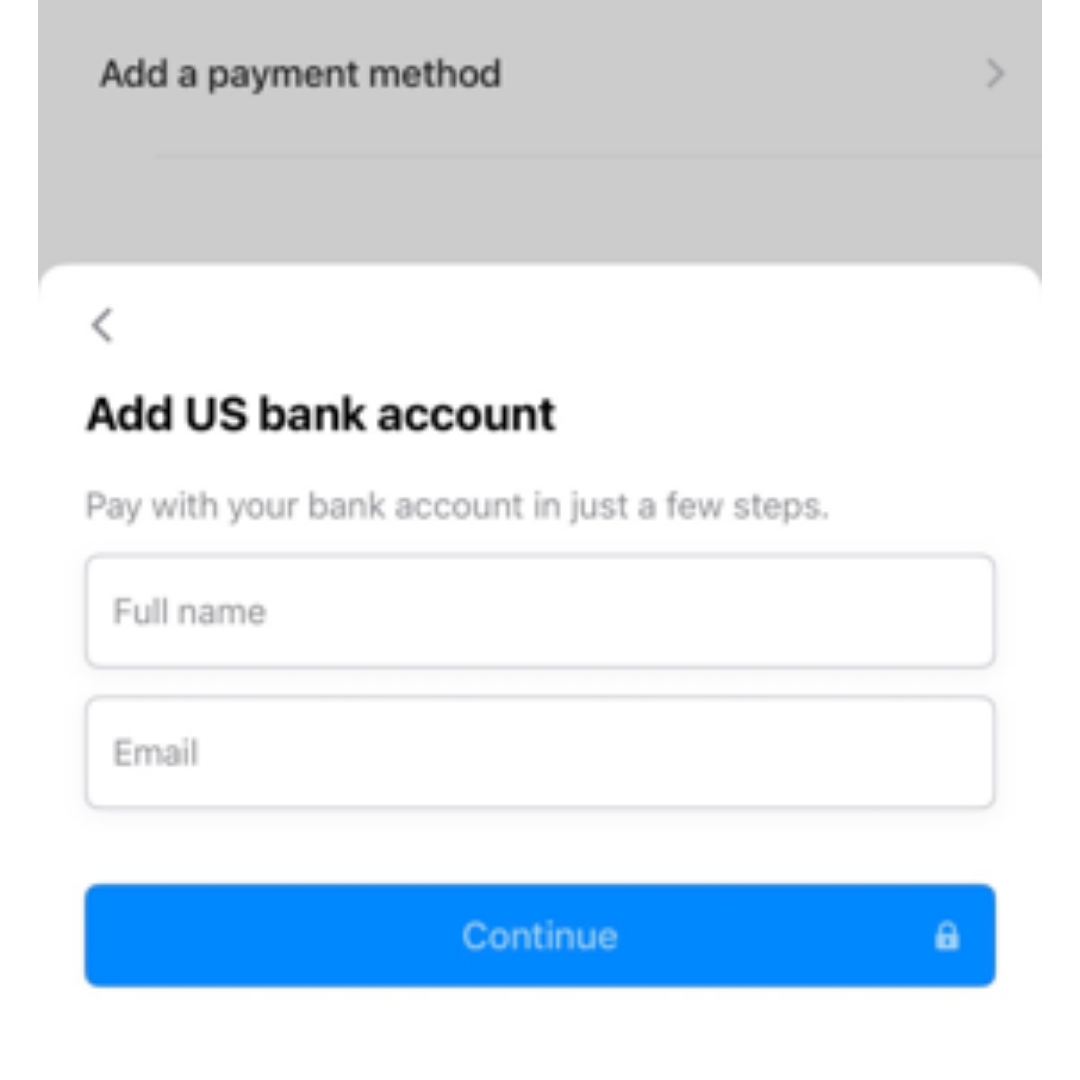
Tap Add a Payment Method and select US Bank Account. Then enter the requested information and follow the prompts to securely connect your bank account.
Step 5:Plans + Credits
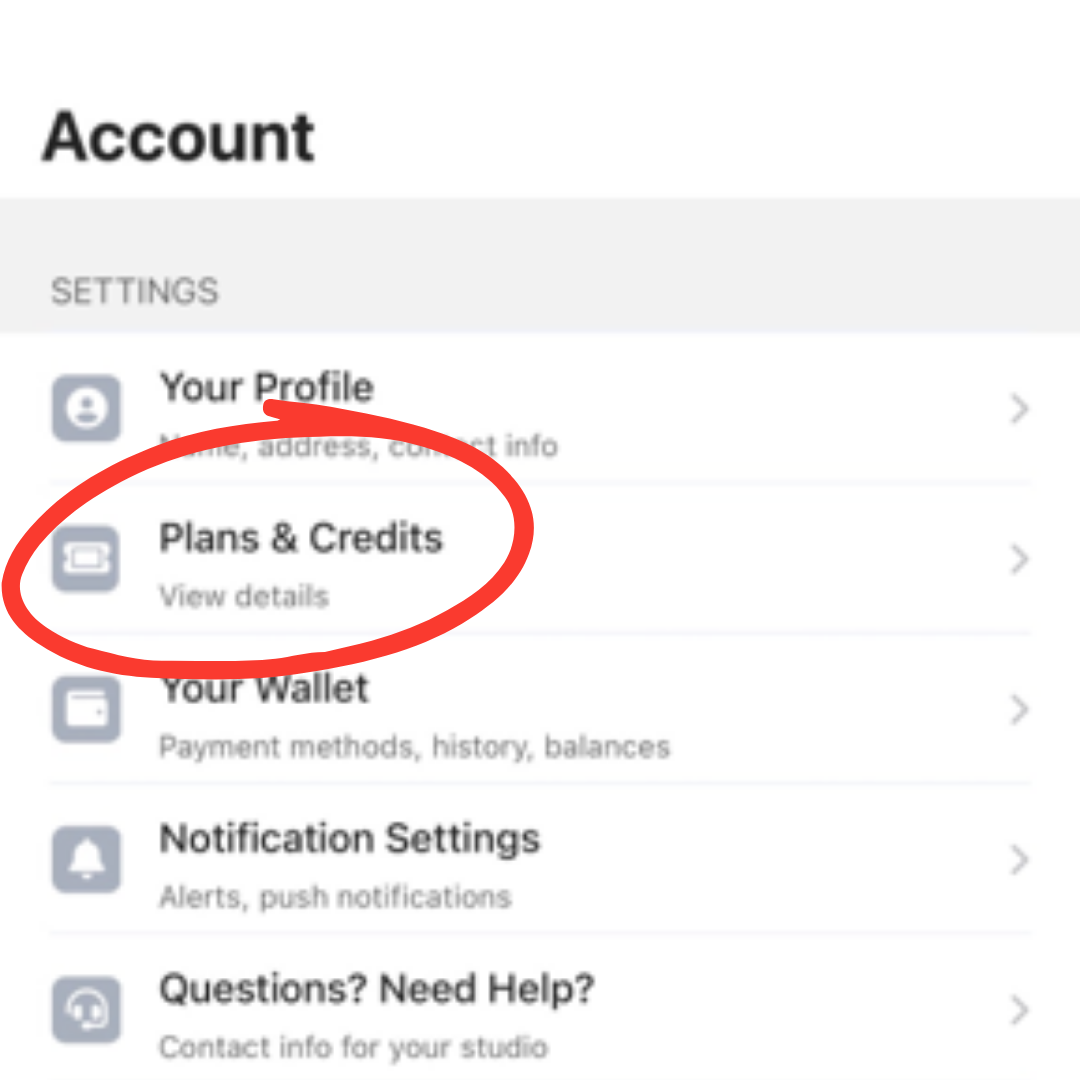
Return to Account and tap Plans & Credits.
Step 6:Open Your Membership
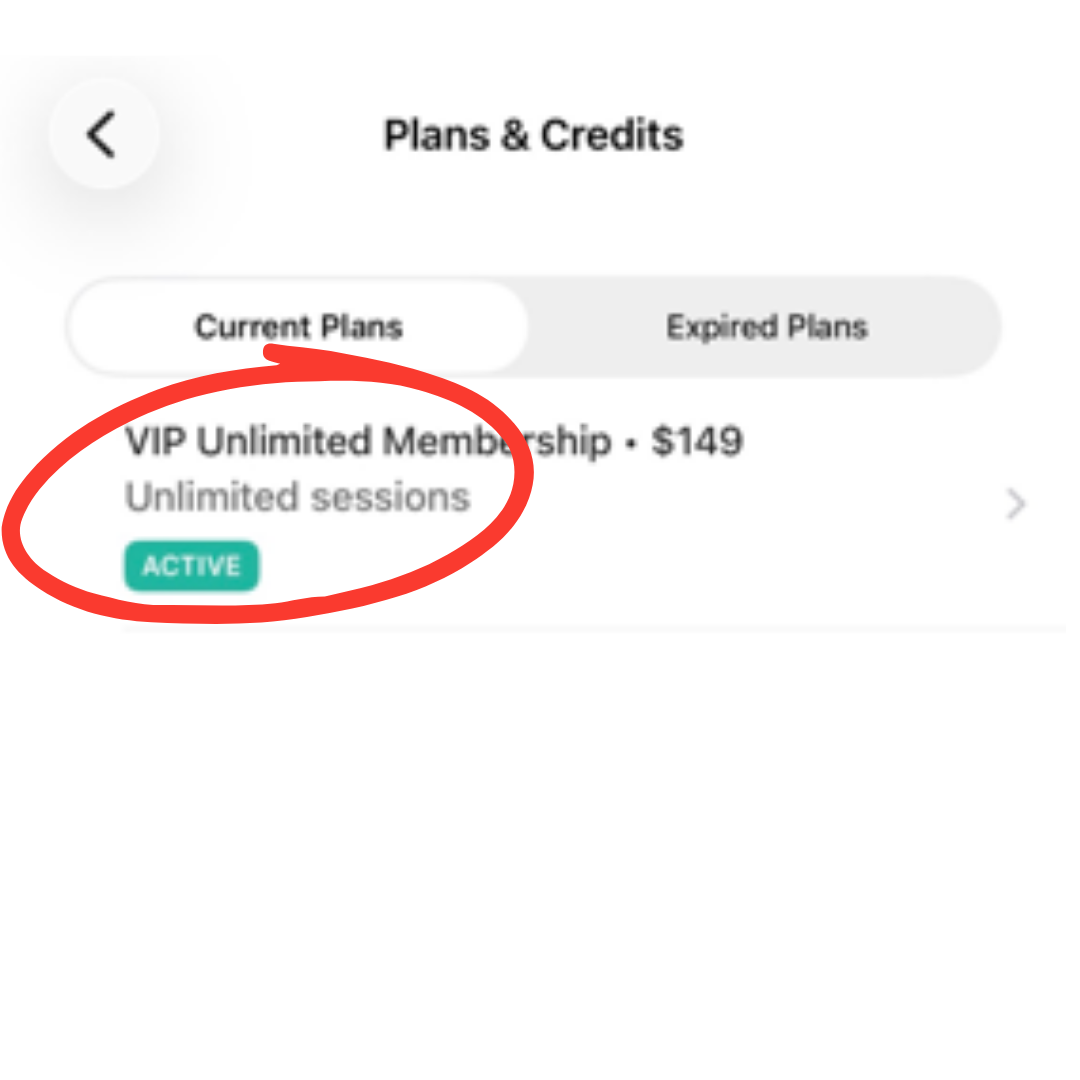
Select your active membership.
Step 7:Change Your Membership Payment Method
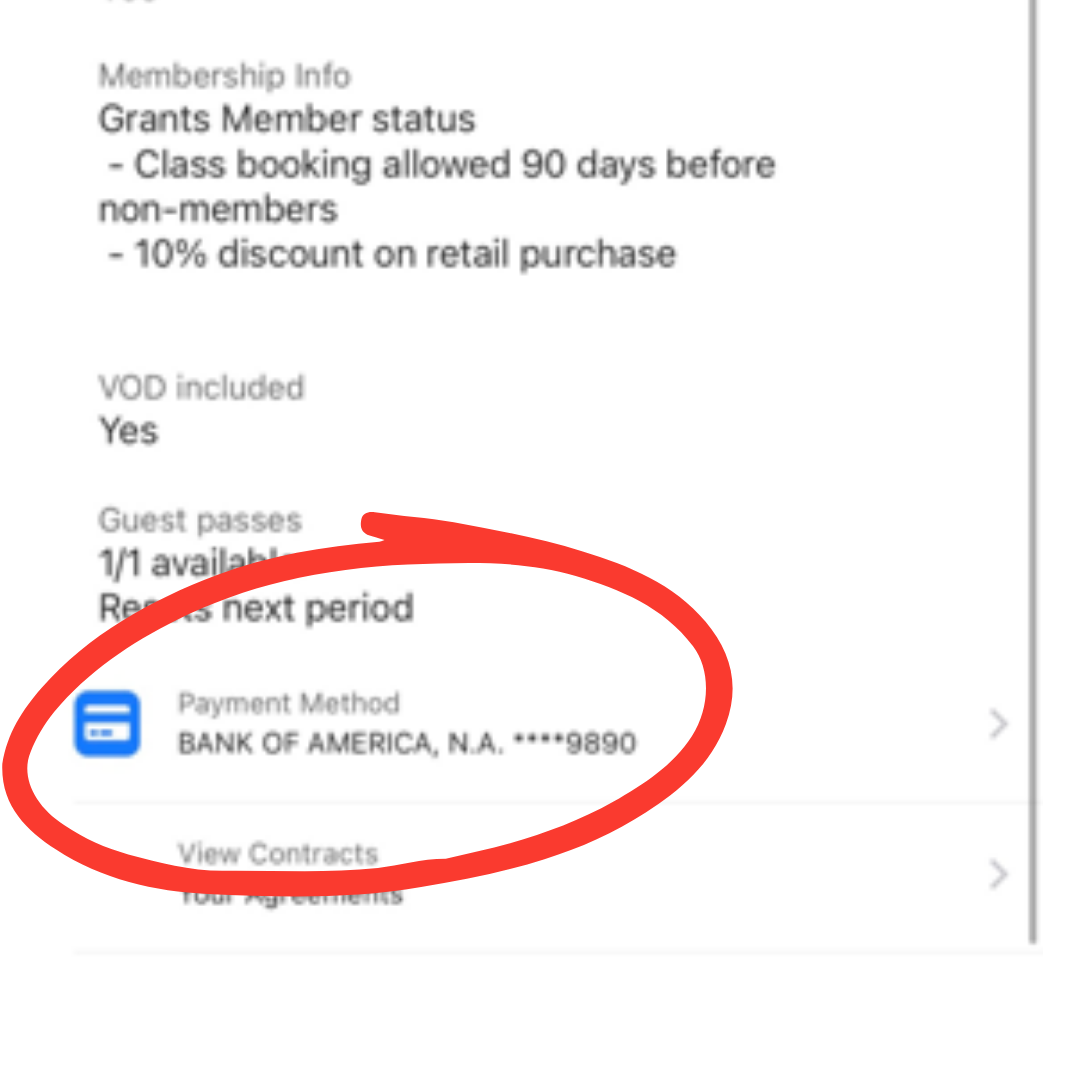
Scroll to the bottom of the membership details page and tap Payment Method.
Step 8:Select Your Bank Account
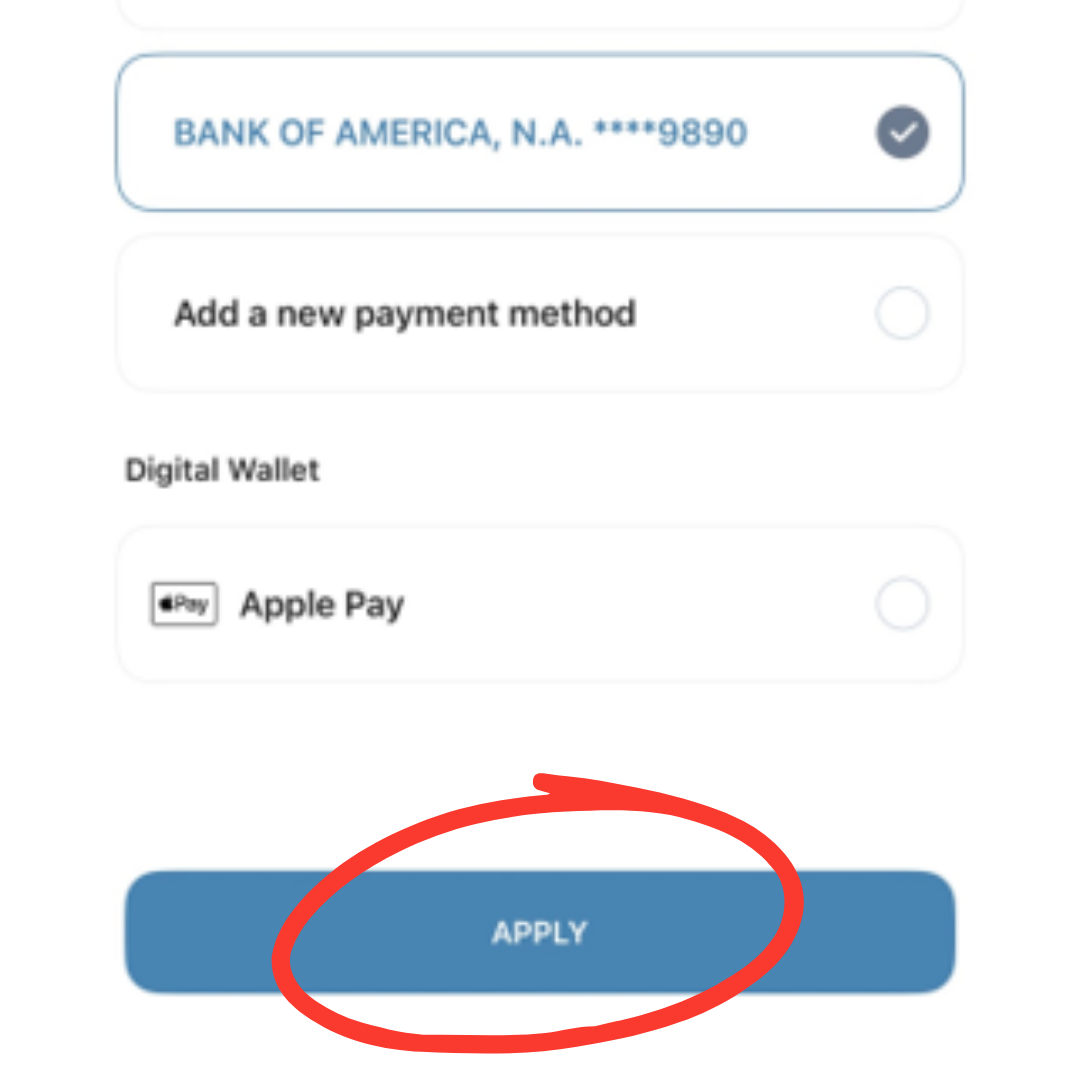
Choose your newly connected bank account and tap Apply.
YOU'RE ALL SET!!!
Your membership will now be billed using your bank account (ACH) going forward. If you have any questions or need assistance, pleasecontact our teamand we'll be happy to help.